The Last 10% of Shipping an App Takes 50% of the Work
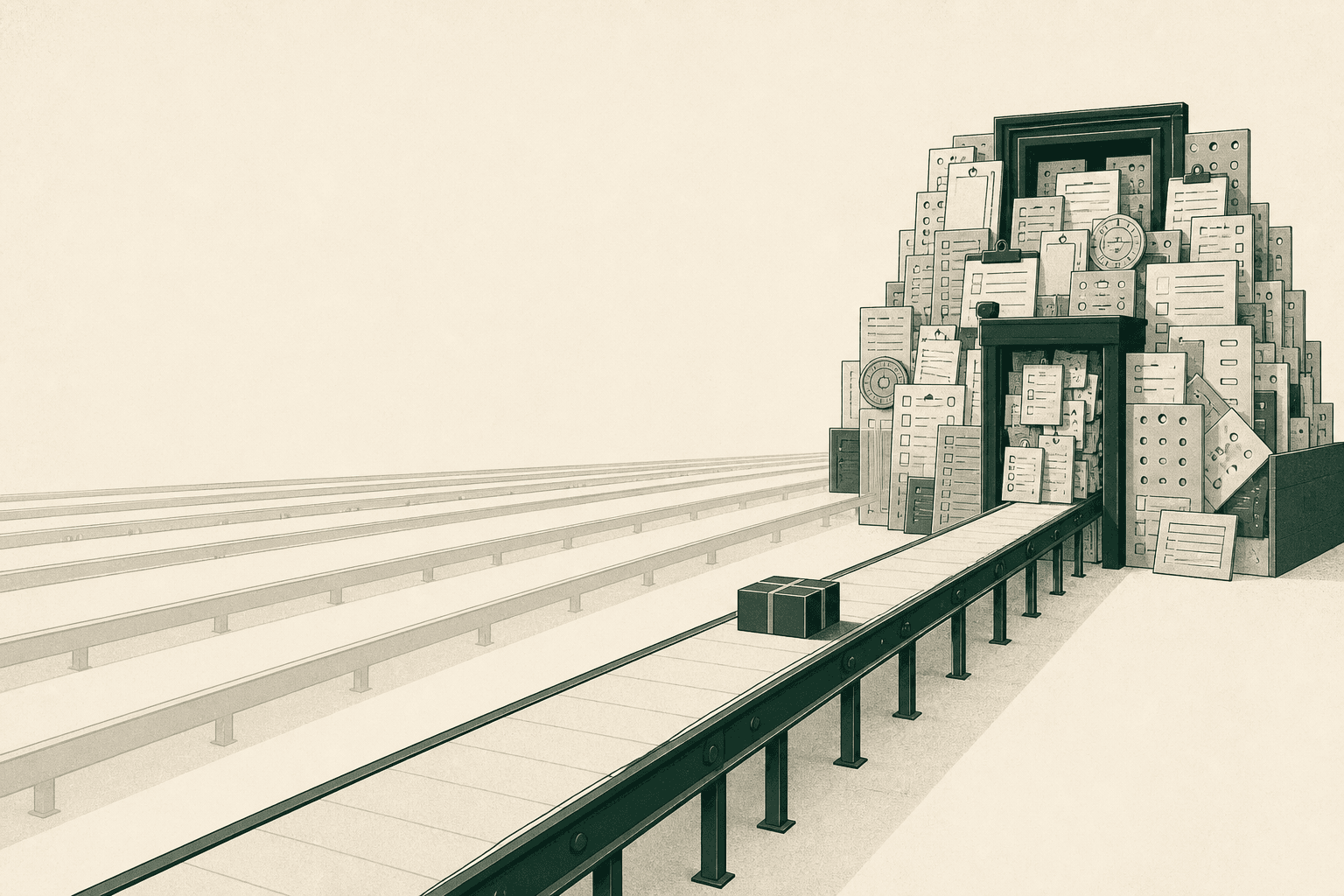
The TestFlight build was on my phone. Real device, real production backend, real authentication. I signed in, moved through the app, and nothing broke. For the first time the thing felt finished.
Then I opened App Store Connect and found a form I could not fill out.
Not a hard form. A long one, attached to other long ones, several of which asked questions I had never thought about while writing code. This was my first iOS app, and I had assumed the remaining work was a submit button with some paperwork stapled to it. What I actually hit was a second system sitting between my finished build and any person who might install it.
Here is the part that took me longer to admit than it should have: almost none of that work was hard, and almost none of it depended on my code. Which is exactly why all of it was waiting for me in the same week.
The build was finished. The submission was not.
Before Apple would look at the app, App Store Connect wanted a name between 2 and 30 characters, a subtitle capped at 30, a description capped at 4,000, keywords capped at 100 bytes, a support URL that must lead to actual contact information, a privacy policy URL, a copyright line, a primary category, an age rating, a set of screenshots, a completed privacy disclosure, a chosen list of territories, and, because the app requires a login, sign-in credentials for a demo account that must not expire.
Not one of those fields makes the app better. Every one of them is required to ship it.
It would be easy to read that as bureaucratic noise around the real engineering. Apple's own numbers suggest otherwise. On its App Review page, Apple states that "over 40% of unresolved issues are related to guideline 2.1: App Completeness," the guideline covering missing demo accounts, backends that are switched off, unfinished content, and metadata that does not match the build.
The most common reason a submission stalls is not a bug. It is the submission itself.
Distribution has a dependency graph
With a web app, my mental model is short. Push, build, deploy, traffic hits the new version. Mobile distribution is a chain, and my code is one input to it.
Every arrow into the version record is a separate prerequisite. Only one of them comes from the repository.
Expo's own documentation draws the same boundary. eas submit --platform ios selects a build, uploads the binary, and puts it in TestFlight after roughly ten to fifteen minutes of processing. Then the docs tell you what to do next: log in to App Store Connect and submit the build for review. The tooling automates the part that is mechanical and hands you the part that is not.
This is why the failure modes were confusing at first. A build can succeed while a submission fails. A submission can upload cleanly while the version still is not ready for review. Nothing in that sequence is broken code, and none of it is visible from inside the repository.
The reviewer is a user I never designed for
My app uses email-based authentication. Enter an address, receive a code, verify, continue. For a normal user that is a fine experience.
For an App Store reviewer it is a locked door. They do not control the inbox.
Apple's App Review Guidelines require demo account details for any app with a login, and the reference docs add that the account must not expire. On the verification code specifically, the clearest guidance I found was not in the guidelines at all. It was Apple's App Review team answering in the developer forums: if your app requires an authentication code in addition to credentials, provide the code in advance in the notes field, or a call may be required to complete the review.
That reframed the problem for me. I had designed an auth flow around one assumption: that the person signing in owns the mailbox. That assumption is false for review, and also for QA, support, end-to-end tests, and anyone debugging an account they do not own. The App Store just makes it impossible to keep ignoring, because a stranger has to get through the door before you are allowed to distribute anything.
The actual mechanism: deferred work serializes
This is the part I got wrong, and it is the only idea in this post worth keeping.
Two different kinds of work remain at the end of a project. Some of it is genuinely blocked by your code: you cannot take final screenshots of a UI that is still moving, and you cannot submit a build that does not exist. The rest is merely deferred. It never depended on the code at all. It could have run alongside development from week one.
When you defer that second category, you do not reduce it. You convert a parallel workload into a serial one, and you schedule it for the week when you have the least slack and the most impatience.
| Release artifact | Blocked by your code? | Earliest it could be done | Tail you cannot compress at the end |
|---|---|---|---|
| App Store Connect record and bundle ID | No | The day the project gets a name | Everything else hangs off this record |
| Signing credentials and push key | No | First real-device build | Apple Developer Program enrollment |
| Privacy details, including third-party SDKs | No | As each service is chosen | Re-tracing every SDK's data collection |
| Age rating questionnaire | No | Once the content is known | Re-answering when Apple revises it |
| Territories and pricing | No | Any time before submission | Up to 24 hours to propagate |
| Review access and demo account | Partly | When auth is built | A full rejection round trip |
| Screenshots and store copy | Yes | After the UI stops changing | Design work, plus a reupload per change |
| App Review itself | Yes | After all of the above | 90% within 48 hours; rejections restart it |
The bottom rows are the expensive ones, and they sit behind every row above them. Apple's App Review FAQ puts the review turnaround at 50% within 24 hours and 90% within 48. Its marketing page still claims 90% within 24; both pages are live, so plan against the slower number. After approval, going live can take up to another 24 hours.
Each of those waits is short. Stacked behind a queue of work you could have finished in month one, they are the difference between shipping on Tuesday and shipping the week after next.
Screenshots are a design project wearing a checkbox
I planned to take screenshots of the app and upload them. That is what the field is called.
Then I looked at how established apps present themselves on a product page and realized the screenshots are the closest thing the App Store has to a landing page. Someone decides whether to install before they have seen the app run. Raw captures show the product without explaining it.
So it turned into a real design pass: a seven-screen carousel, device framing, backgrounds, typography, image continuity across screens, crop and angle, and an order that builds an argument rather than a tour. I had designed the product already. This was designing how the product introduces itself.
The specs themselves are the small part. Today App Store Connect needs one iPhone screenshot set and one iPad set, the 6.9" display class and the 13" iPad, and scales them down to smaller devices automatically. You can upload between one and ten per localization, with no alpha channels.
Reading the spec takes five minutes. Producing something worth uploading took considerably longer than that.
Some of this work never ends
I had been treating store compliance as a launch tax: pay it once, get in, go back to writing code. It is closer to a subscription.
Apple restructured age ratings in July 2025, adding 13+, 16+, and 18+ to the existing 4+ and 9+, reassigning every existing app, and requiring developers to answer new questions about in-app controls, capabilities, medical and wellness topics, and violent themes by January 31, 2026 to avoid interruptions when submitting updates. A second wave landed in July 2026: the questionnaire now asks about social media capabilities, and answers become mandatory for new apps and updates starting September 2026.
Privacy disclosures work the same way. They have been required to submit apps and updates since December 8, 2020, and they cover not only your own data collection but that of "analytics tools, advertising networks, third-party SDKs, or other external vendors whose code you've added to your app." Add an SDK next year and the disclosure is stale until you update it.
An app that has been feature-complete and untouched for six months can still need work before its next update is accepted.
Where this advice stops
The obvious conclusion is to front-load all of it. That is wrong, and I would have wasted a lot of time following it.
Screenshots produced before the UI settles get thrown away. Store copy written before the product's positioning is clear gets rewritten. Any release asset that depends on what the app actually looks like should wait until the app looks like something.
The split I would use is cost against tail. Cheap items with long tails go early: create the App Store Connect record, enroll and generate credentials, answer the privacy questionnaire as each service is added rather than reconstructing it later, decide territories, and make sure a stranger can sign in. Expensive items that depend on a moving UI go late, on purpose.
The specifics here are Apple's, and they will keep changing. The shape generalizes further than the details do. A web app has no App Review, but it still has DNS, legal pages, consent handling, support routes, and someone eventually asking who to email when it breaks. Every distribution channel has a surface, and the surface is never in the repository.
What I would do on day one next time
- Create the App Store Connect record before the app is worth submitting, so the required fields are visible while there is still time to answer them.
- Enroll in the developer program and generate signing credentials early, since EAS can create the distribution certificate, provisioning profile, and push key but still needs the account to exist.
- Record what data each service collects at the moment I add it, instead of auditing every SDK the week of launch.
- Build a review path into authentication while designing authentication, not after it works.
- Pick territories deliberately. I limited the first release to the United States and Canada, which is one choice out of 175 storefronts and has to be set before submission.
- Treat the screenshot carousel as a design deliverable with a due date, not a checkbox in a form.
None of that is weeks of store polish before the product works. It is a few hours spread across the project instead of a wall at the end of it.
Three finish lines, not one
There is a point where the code is ready. There is a later point where the system around it is ready. And there is a third point where a person who has never seen the app can get it onto their phone.
I had been measuring the first one and calling it done.
The build on my phone in TestFlight was real. It ran, it authenticated, it worked on a device I was holding. It was also the only part of shipping I had bothered to measure, which is why the remaining 10% of the project consumed something closer to half of it. The work was never hidden. I just never scheduled it.
The app can be complete for weeks. The product is not finished until someone else can get it.
Thanks for reading.
More writing